📌
Directory
The directory remembers your important positions so you can find them in one click.
Position directory
The directory lets you bookmark important positions for quick access later.
Add a position
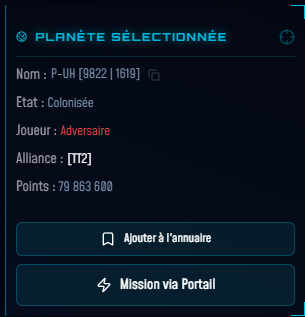
Select a planet or station on the map → in the right panel, click "Add to directory". The button switches to "Remove from directory" if the position is already saved.
Consult the directory
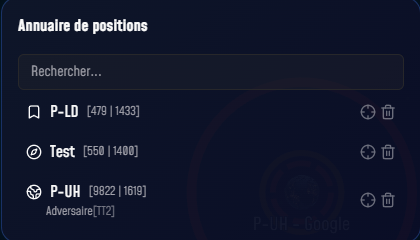
Click the "Directory" button at the top of the left panel. The list shows all saved positions with their name, coordinates and associated player. A search field filters by name. Click an entry to select the object, or the crosshair ⊕ to only center the camera.
Delete an entry
In the directory window, click the trash icon 🗑 to the right of the entry you want to remove.